Book through Calendly — right in your bio
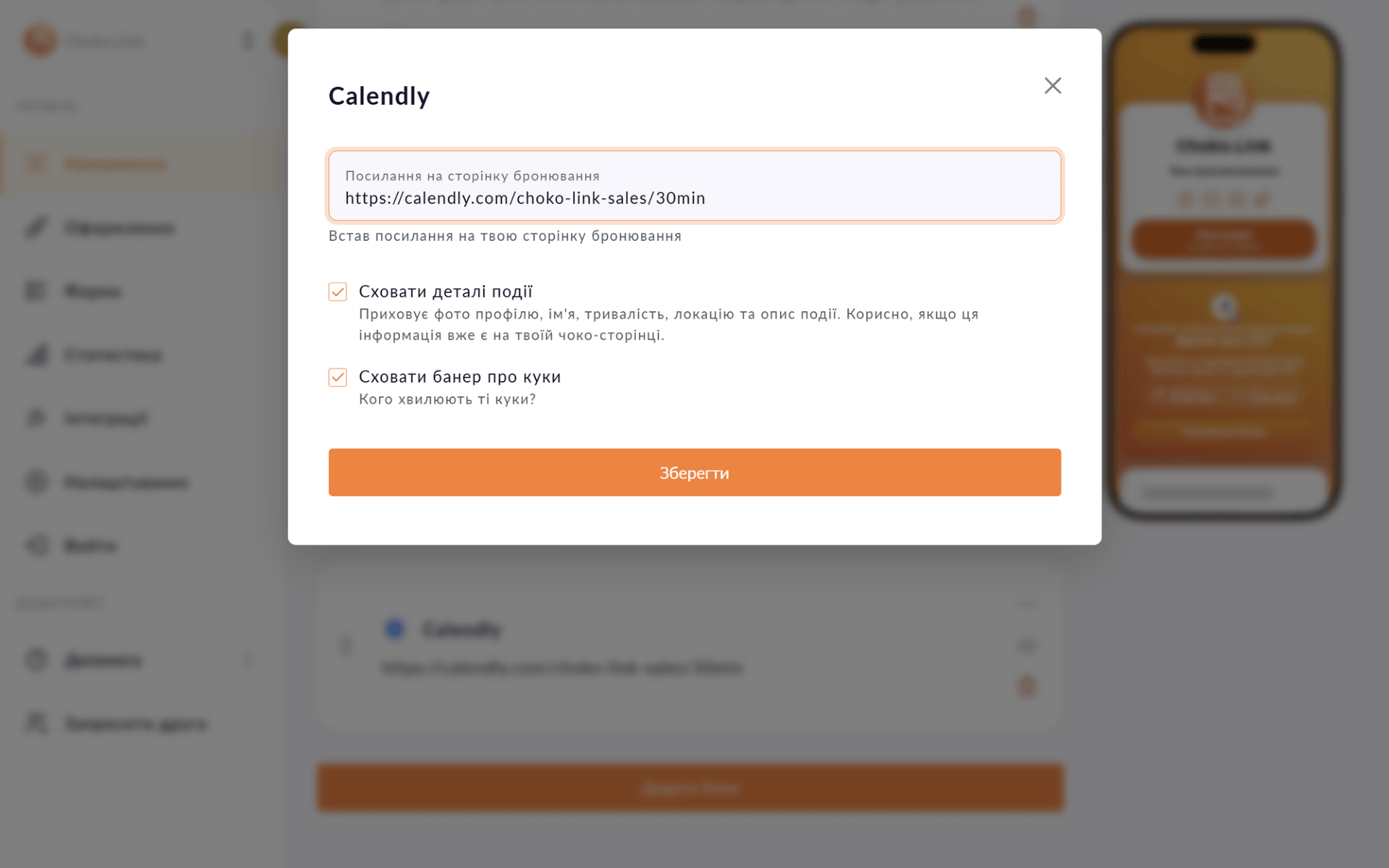
An embedded Calendly form on your page — clients pick a time without visiting Calendly, without messaging you in DMs.

An embedded Calendly form on your page — clients pick a time without visiting Calendly, without messaging you in DMs.
The biggest problem with booking via social media is the endless back-and-forth: 'When works for you?', 'How about Friday?', 'What time?'. The Calendly block cuts that chain: clients visit your Choko page, see a calendar with available slots and book immediately. You get a confirmation in Calendly, the client gets one by email. No extra messages.
Start for free, upgrade whenever you need more.
Create a page for freeSign up in 30 seconds • No card needed
Display the current electricity status via Svitlobot right on your Choko page. Useful for salons, cafes and businesses during outages.
Collect names, phone numbers and emails directly from your Choko page. Export to CSV, send to a Telegram chat and integrate with CRM.
Add text with a heading, custom color and icon directly to your Choko page. Alignment, font size — all under your control.
Connect Google Tag Manager to your Choko page via a GTM container. Manage all tags and pixels from one place without touching code.
Connect Facebook Pixel to your Choko page. Send view data to Meta Ads and build retargeting audiences.
Create eye-catching buttons with links on your Choko page. Icons, colors, animation — everything in one place.