Collect leads right from your bio page
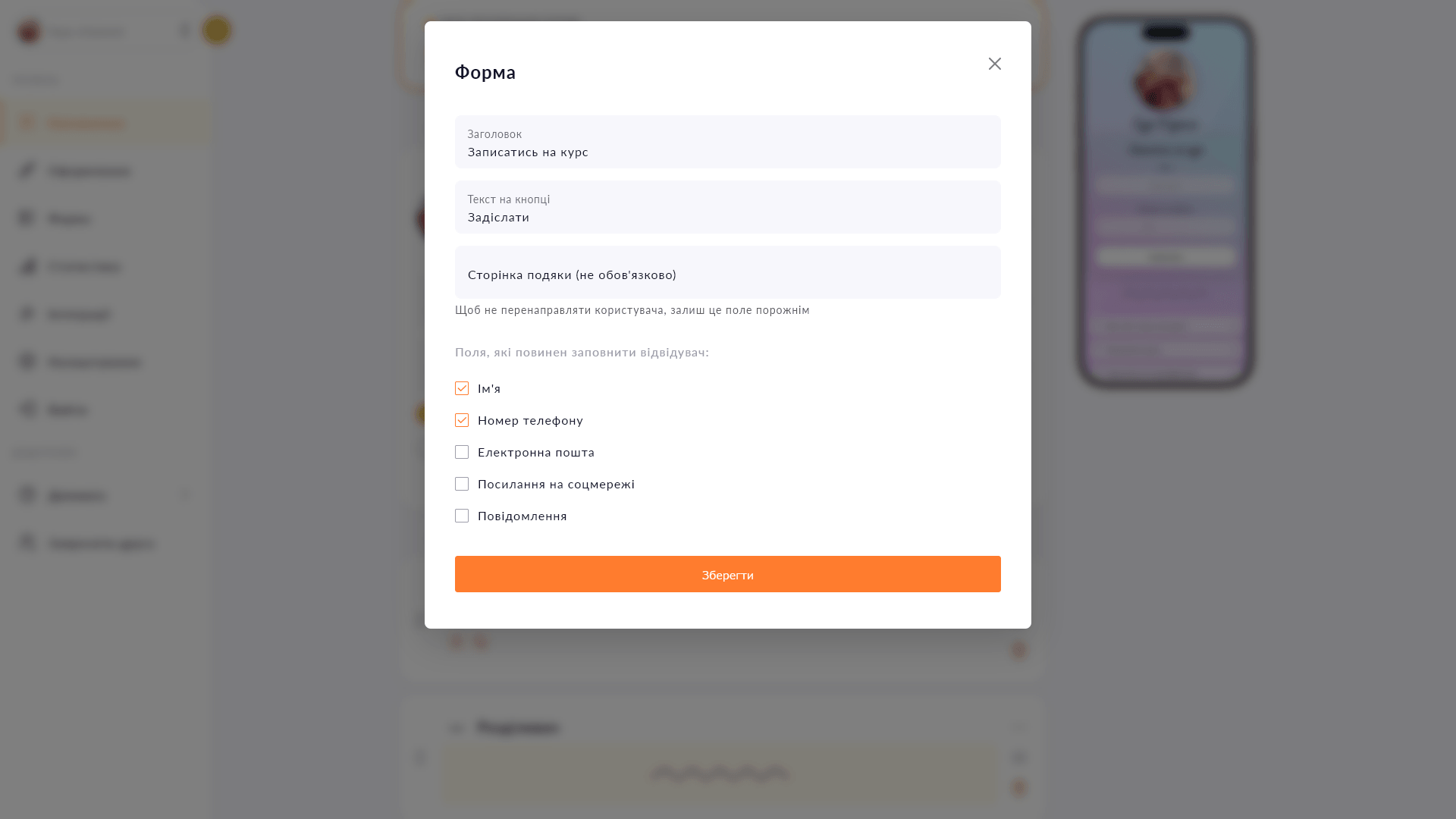
A form with name, phone, email and message fields — no third-party service needed. Submissions arrive in Telegram or stay in your dashboard.
A form with name, phone, email and message fields — no third-party service needed. Submissions arrive in Telegram or stay in your dashboard.
Links in bio attract attention, but you're still collecting leads via DMs or chat. Choko.Link's lead form closes that loop right on the page: visitors leave their contact details, and you receive them in a Telegram chat or download them as a CSV. No third-party service, no extra technical setup.
Start for free, upgrade whenever you need more.
Create a page for freeSign up in 30 seconds • No card needed
A compact icon row for your social media on a Choko page instead of bulky buttons. Telegram, Instagram, TikTok and dozens more options.
Upload a photo to your Choko page — up to 1200×1200 px, with a click-through link. Build a custom design from sliced images.
Add text with a heading, custom color and icon directly to your Choko page. Alignment, font size — all under your control.
Add a Donatello block to your Choko page: heading, photo and amount raised. Perfect for streamers who use Donatello for donations.
Add a card number or IBAN to your Choko page with a 'Copy' button. One tap — and the details are in the clipboard.
Embed a Calendly booking form directly on your Choko page. Clients pick a slot without leaving your bio — no back-and-forth, no DMs.