FAQ on your page — without endless scrolling
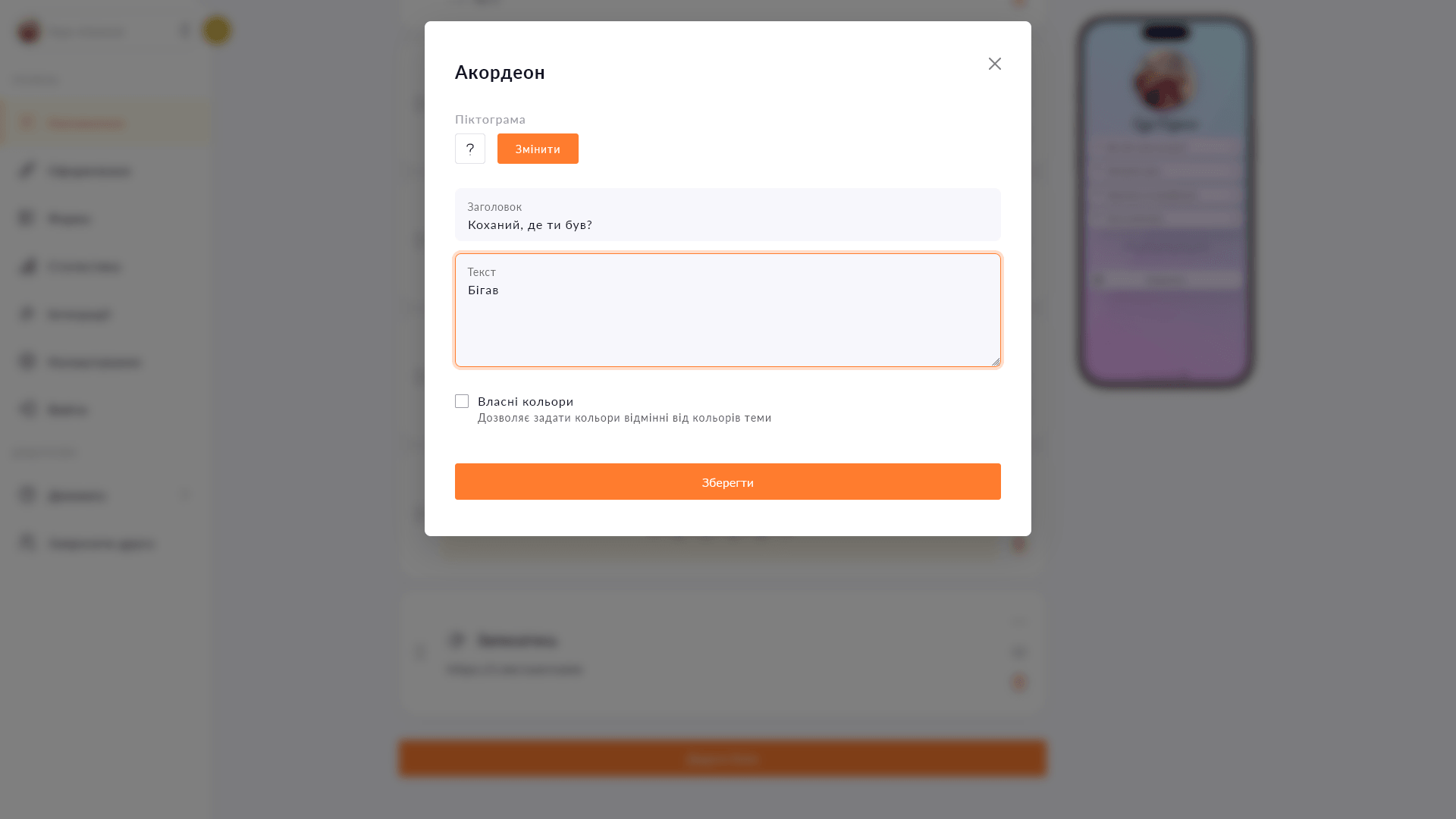
The accordion hides text behind a button — visitors expand only what interests them, and the page stays short.
The accordion hides text behind a button — visitors expand only what interests them, and the page stays short.
Clients ask the same questions every day: how to book, what's the price, how does delivery work. The accordion answers them right on the page — in a compact format that doesn't eat up half the screen. Visitors see a list of questions and expand only the ones relevant to them. You answer once instead of replying to each client individually.
Start for free, upgrade whenever you need more.
Create a page for freeSign up in 30 seconds • No card needed
Create eye-catching buttons with links on your Choko page. Icons, colors, animation — everything in one place.
Add spacing, a line, dots or a wave between blocks on your Choko page. Structures content without adding visual noise.
Add text with a heading, custom color and icon directly to your Choko page. Alignment, font size — all under your control.
Embed a Calendly booking form directly on your Choko page. Clients pick a slot without leaving your bio — no back-and-forth, no DMs.
Add a card number or IBAN to your Choko page with a 'Copy' button. One tap — and the details are in the clipboard.
Display the current electricity status via Svitlobot right on your Choko page. Useful for salons, cafes and businesses during outages.