Payment details — copied with one tap
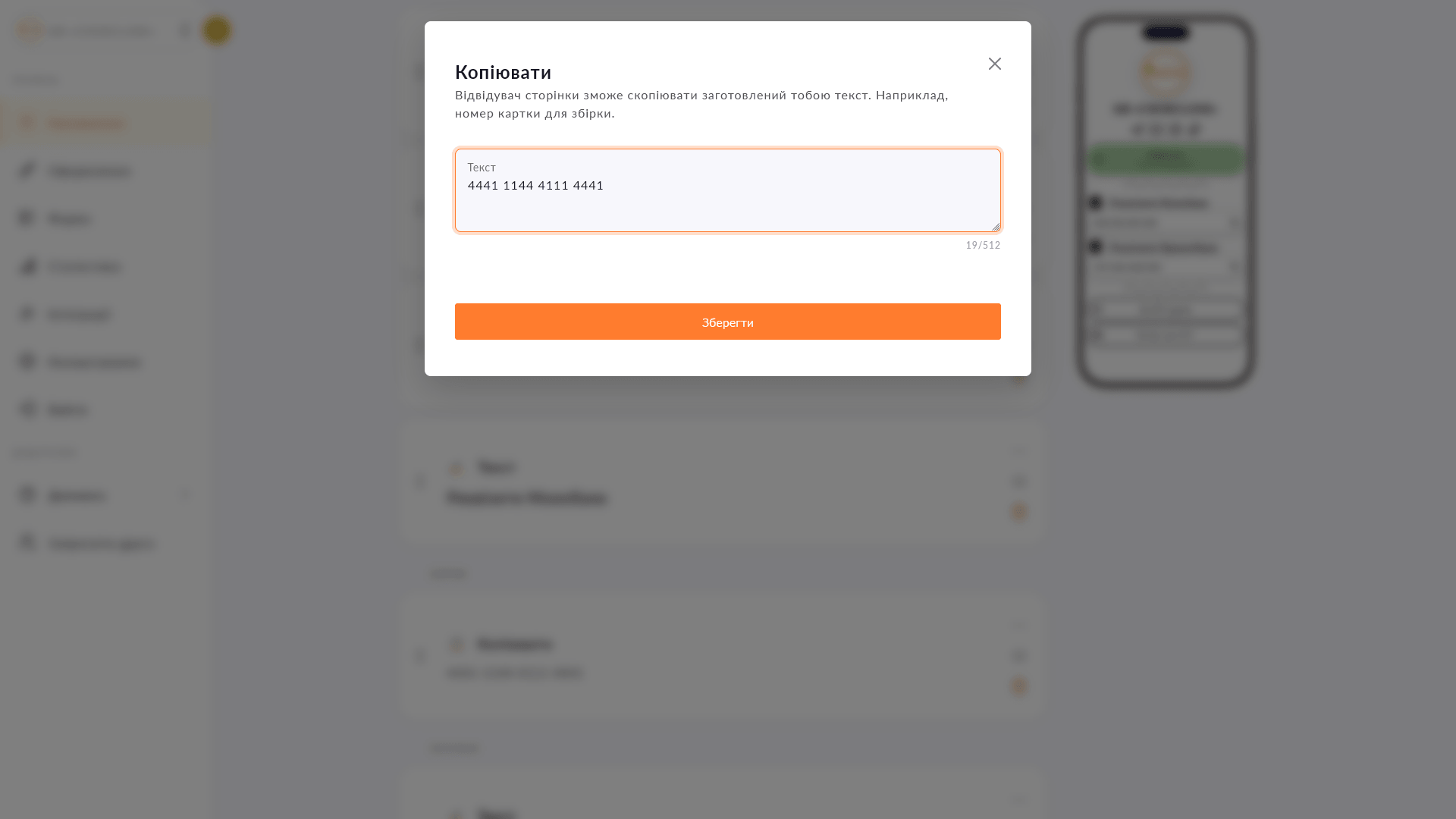
A card number, IBAN or any text on your page with a 'Copy' button — visitors get it right every time, digit for digit.
A card number, IBAN or any text on your page with a 'Copy' button — visitors get it right every time, digit for digit.
Writing a card number in a caption and hoping the follower carefully types it out or screenshots it — in practice some people make mistakes, others don't bother at all. The copy block solves it simply: one tap — and the details are in the clipboard. Works for card numbers, IBANs, promo codes, links and any text that must be copied exactly.
Start for free, upgrade whenever you need more.
Create a page for freeSign up in 30 seconds • No card needed
Create eye-catching buttons with links on your Choko page. Icons, colors, animation — everything in one place.
Add a PUMB MoneyBox to your Choko page: heading, photo and current amount raised — all in one block. Just paste your fundraiser link to connect.
Add text with a heading, custom color and icon directly to your Choko page. Alignment, font size — all under your control.
Add a Donatello block to your Choko page: heading, photo and amount raised. Perfect for streamers who use Donatello for donations.
Collect names, phone numbers and emails directly from your Choko page. Export to CSV, send to a Telegram chat and integrate with CRM.
Add a Monobank MonoJar to your Choko page: heading, photo and amount raised — all in one block. Donors see progress without going to the app.