Donatello — in your bio next to all your links
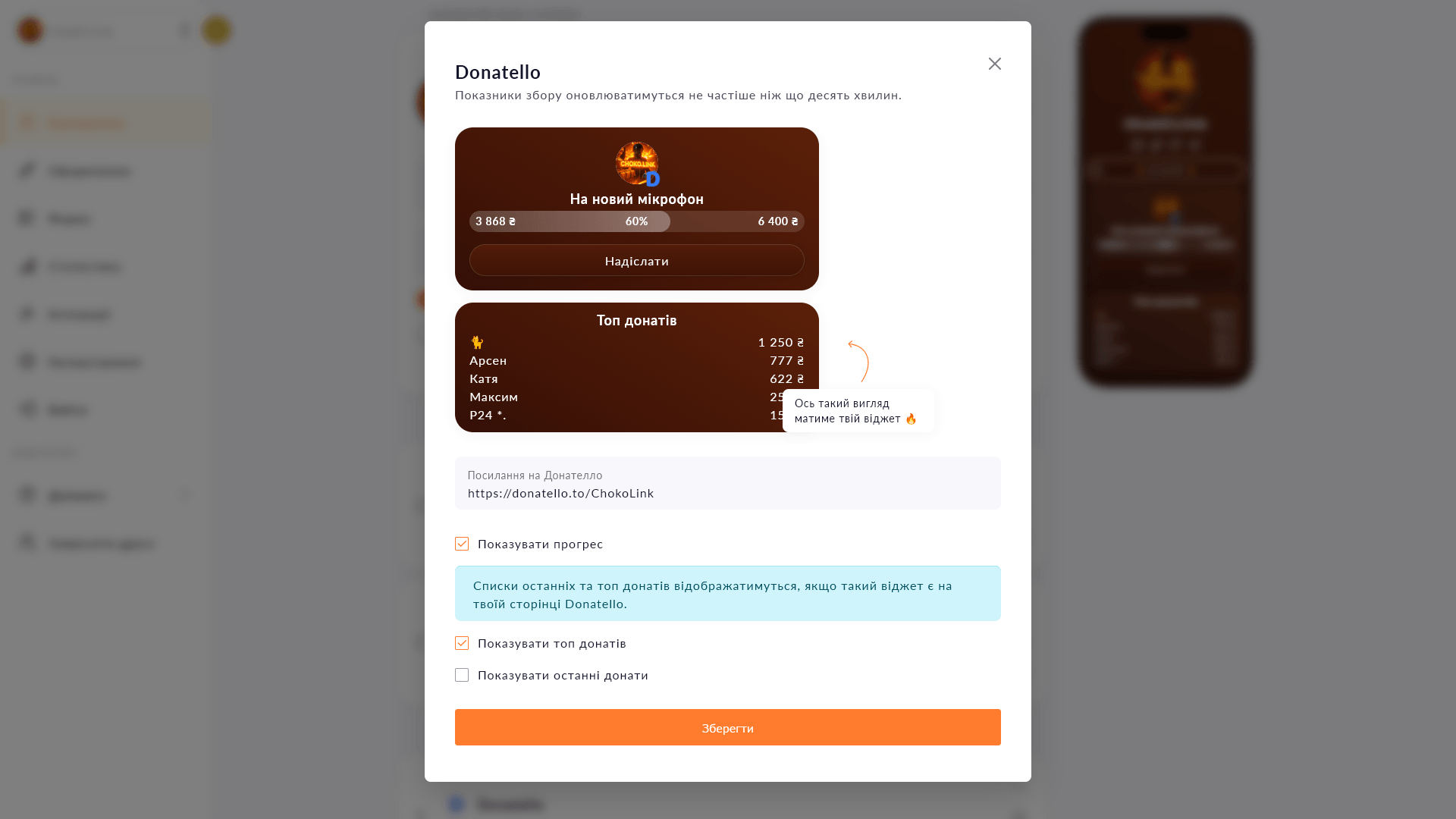
A Donatello fundraiser card on your Choko page: followers see the amount and donate in one tap.
A Donatello fundraiser card on your Choko page: followers see the amount and donate in one tap.
Donatello is one of Ukraine's most popular platforms for streamers: viewers donate, request songs, spin the wheel, send voice-read messages. The Donatello block on Choko.Link shows a fundraiser card right on your page. Followers see the current goal and head straight to Donatello to interact.
Start for free, upgrade whenever you need more.
Create a page for freeSign up in 30 seconds • No card needed
Add a Monobank MonoJar to your Choko page: heading, photo and amount raised — all in one block. Donors see progress without going to the app.
Add a PUMB MoneyBox to your Choko page: heading, photo and current amount raised — all in one block. Just paste your fundraiser link to connect.
A compact icon row for your social media on a Choko page instead of bulky buttons. Telegram, Instagram, TikTok and dozens more options.
Upload a photo to your Choko page — up to 1200×1200 px, with a click-through link. Build a custom design from sliced images.
Create eye-catching buttons with links on your Choko page. Icons, colors, animation — everything in one place.
Display the current electricity status via Svitlobot right on your Choko page. Useful for salons, cafes and businesses during outages.