MoneyBox — PUMB donations on your page
Place your PUMB fundraiser right on your page — the heading, photo and current amount are visible to donors at a glance. Connects with one link, just like MonoJar.
Place your PUMB fundraiser right on your page — the heading, photo and current amount are visible to donors at a glance. Connects with one link, just like MonoJar.
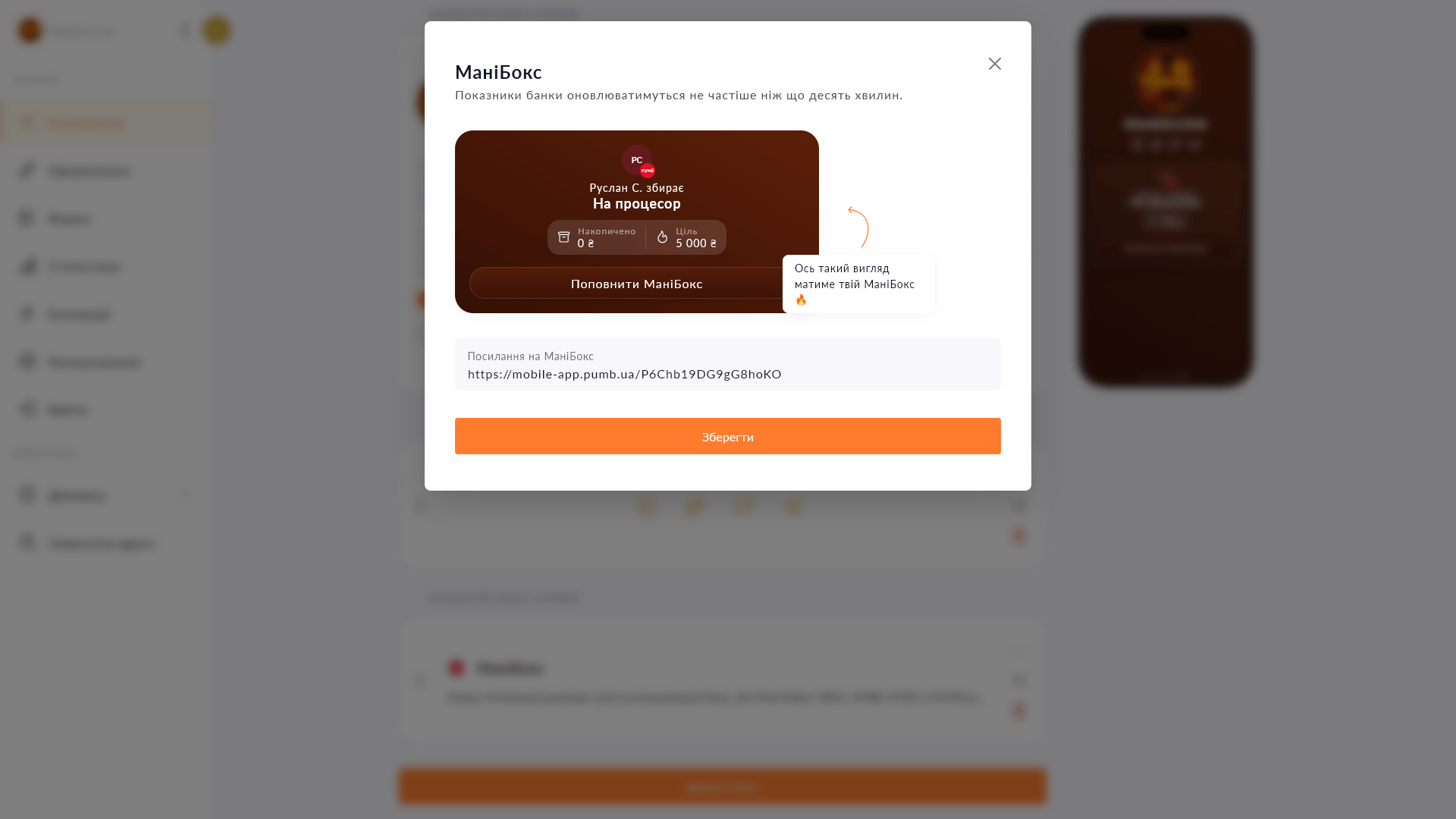
MoneyBox is a donation block powered by PUMB bank. Visitors see a card with the title, image and current amount raised, and can proceed to donate right away. It works exactly like the familiar Monobank MonoJar — for those who prefer PUMB. All you need is to paste your MoneyBox link.
Start for free, upgrade whenever you need more.
Create a page for freeSign up in 30 seconds • No card needed
Add a Monobank MonoJar to your Choko page: heading, photo and amount raised — all in one block. Donors see progress without going to the app.
Add a Donatello block to your Choko page: heading, photo and amount raised. Perfect for streamers who use Donatello for donations.
A compact icon row for your social media on a Choko page instead of bulky buttons. Telegram, Instagram, TikTok and dozens more options.
Add video, streams, or music directly to your Choko page: YouTube, Vimeo, Twitch, Spotify and SoundCloud. Followers watch and listen without leaving your bio.
Display the current electricity status via Svitlobot right on your Choko page. Useful for salons, cafes and businesses during outages.
Embed a Calendly booking form directly on your Choko page. Clients pick a slot without leaving your bio — no back-and-forth, no DMs.