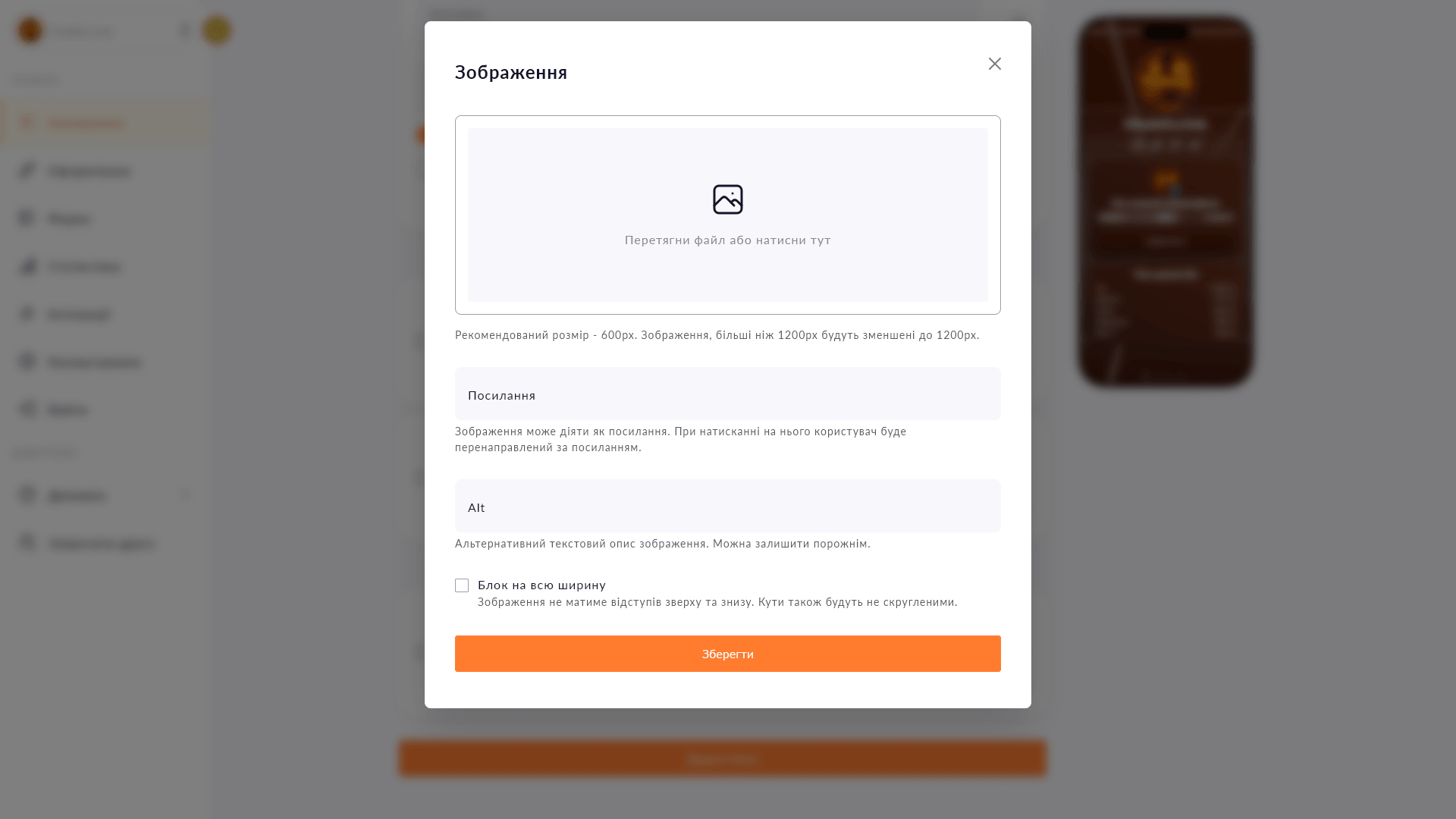
Upload an image, make it clickable and get a page with a unique design — no coding skills required.
Sometimes standard blocks limit your vision: you want a page that looks on-brand, with your own banner or collage. Choko.Link's image block gives you full freedom to do that.
Upload a banner, a price list as an image or complex graphics — and make it a clickable link to any resource right away.
Advanced use: build the entire page from sliced images and get a fully custom design.
Start for free, upgrade whenever you need more.
Create a page for freeSign up in 30 seconds • No card needed
Add text with a heading, custom color and icon directly to your Choko page. Alignment, font size — all under your control.
Add a collapsible block with answers to frequently asked questions directly on your Choko page. Opens on click, takes up minimal space.
Add a Monobank MonoJar to your Choko page: heading, photo and amount raised — all in one block. Donors see progress without going to the app.
Add video, streams, or music directly to your Choko page: YouTube, Vimeo, Twitch, Spotify and SoundCloud. Followers watch and listen without leaving your bio.
Add spacing, a line, dots or a wave between blocks on your Choko page. Structures content without adding visual noise.
Add a card number or IBAN to your Choko page with a 'Copy' button. One tap — and the details are in the clipboard.