MonoJar — right on your bio page
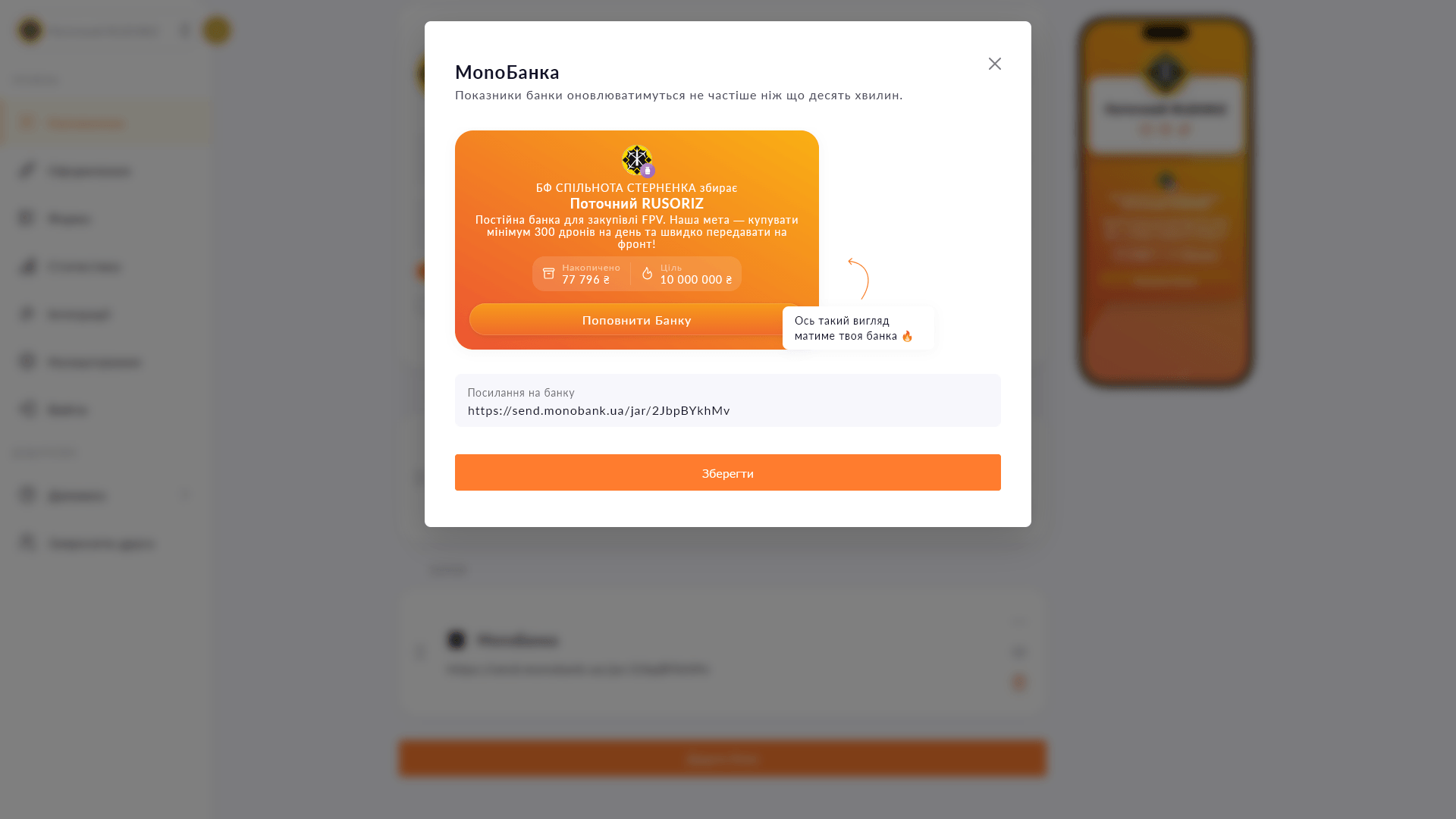
A beautiful fundraising card with the amount and photo instead of just a card link. Visitors see the goal and donate in one tap.
A beautiful fundraising card with the amount and photo instead of just a card link. Visitors see the goal and donate in one tap.
A plain link to a MonoJar looks like a string of letters and numbers. The MonoJar block on Choko.Link is a full card: fundraiser title, image and amount already raised. A follower understands at a glance what it's for and how much is needed — and taps the button with motivation, not just curiosity about what the link is. Especially effective for volunteers during active fundraising drives.
Start for free, upgrade whenever you need more.
Create a page for freeSign up in 30 seconds • No card needed
Add a PUMB MoneyBox to your Choko page: heading, photo and current amount raised — all in one block. Just paste your fundraiser link to connect.
Add a Donatello block to your Choko page: heading, photo and amount raised. Perfect for streamers who use Donatello for donations.
Add a collapsible block with answers to frequently asked questions directly on your Choko page. Opens on click, takes up minimal space.
Embed a Calendly booking form directly on your Choko page. Clients pick a slot without leaving your bio — no back-and-forth, no DMs.
Collect names, phone numbers and emails directly from your Choko page. Export to CSV, send to a Telegram chat and integrate with CRM.
Add a card number or IBAN to your Choko page with a 'Copy' button. One tap — and the details are in the clipboard.