Bio submissions — straight into your CRM

Integration with KeepinCRM, KeyCRM and SalesDrive: form submissions enter the CRM automatically — no manual transfers, no CSV.
Choko.Link form integration with CRM systems — the leading link-in-bio for businesses with sales automation
Free Plus

Collecting leads in the dashboard is fine. Exporting CSV and manually copying them into a CRM — not so much. Choko.Link's CRM integration removes that step: a form submission becomes a lead in the system automatically. Supported: KeepinCRM, KeyCRM and SalesDrive — three popular Ukrainian CRMs.
The feature will be available in the Pro plan, currently in development.
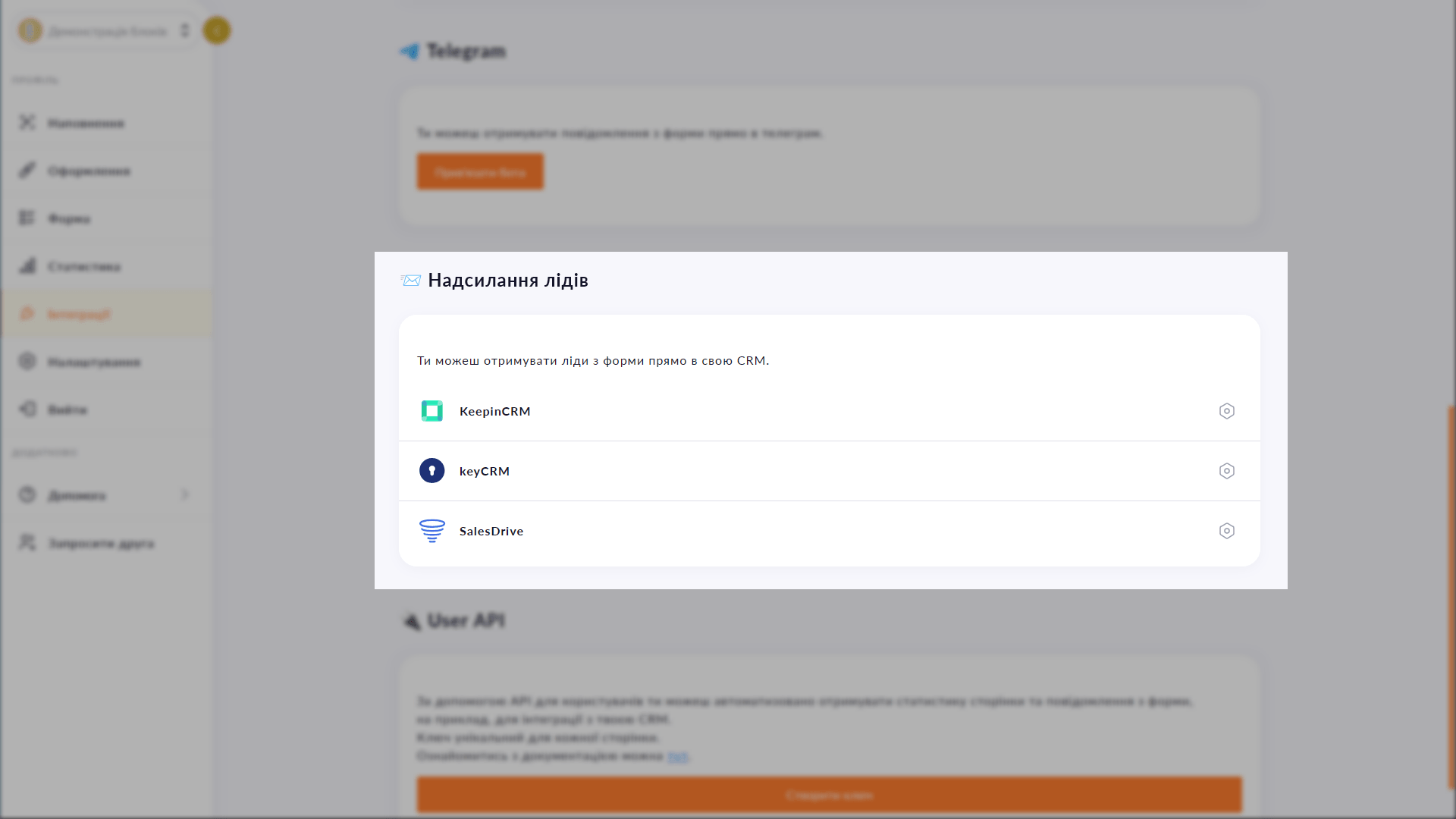
Choko.Link CRM integration settings — the most convenient link-in-bio with CRM automation
Choko.Link CRM integration settings

Supported CRMs

  1. KeepinCRM
    A popular Ukrainian CRM for small and medium businesses — keepincrm.com.
  2. KeyCRM
    CRM for e-commerce and service businesses with a rich integration ecosystem — keycrm.app.
  3. SalesDrive
    CRM for active sales and deal management — salesdrive.me.
  4. API key for connection
    Just enter your CRM's API key — submissions are forwarded automatically.
  5. Pipeline and source selection
    Configure which pipeline and lead source Choko.Link submissions go into.
  6. Coming in the Pro plan
    This feature will officially launch in the Pro plan — which is actively in development.

How CRM connection will work

  1. 1. Activate the Pro plan (available after launch).
  2. 2. Open 'Integrations' → 'Lead delivery' and choose your CRM.
  3. 3. Enter the API key from your CRM account.
  4. 4. Optionally set a pipeline and lead source — save.

Who it's for

Try Plus — and unlock this feature

Start for free, upgrade whenever you need more.

Create a page for free

Sign up in 30 seconds • No card needed

Questions & Answers

The feature is planned for the Pro plan, which is currently in development. Follow announcements in the Choko.Link Telegram channel. Yes — submissions are stored in the dashboard and can be exported as CSV. You can also set up a custom integration using the read-only API on Plus. KeepinCRM, KeyCRM and SalesDrive at launch. The list of supported CRMs may grow over time.

You might also like

Website widget

Embed your Choko page on your website as a floating button. A click opens a frame with your links right on the site page.

Submissions to Telegram

Connect a Telegram chat to the Choko.Link lead form. Every submission arrives in Telegram instantly — no dashboard visits, no CSV.

Custom subdomain

Choose a short subdomain for your Choko page: username.chkl.ink, username.otut.link or username.osyo.link. Available on Plus.

Custom domain

Connect your domain to your Choko page — yourdomain.com becomes your link-in-bio. Feature in beta, will be available in the Pro plan.

Google Tag Manager

Connect Google Tag Manager to your Choko page via a GTM container. Manage all tags and pixels from one place without touching code.

In-app browser banner

A popup for visitors arriving via Instagram and TikTok in-app browsers. Explains how to open the page in a system browser — so clicks and forms work properly.