Form submission — straight to Telegram
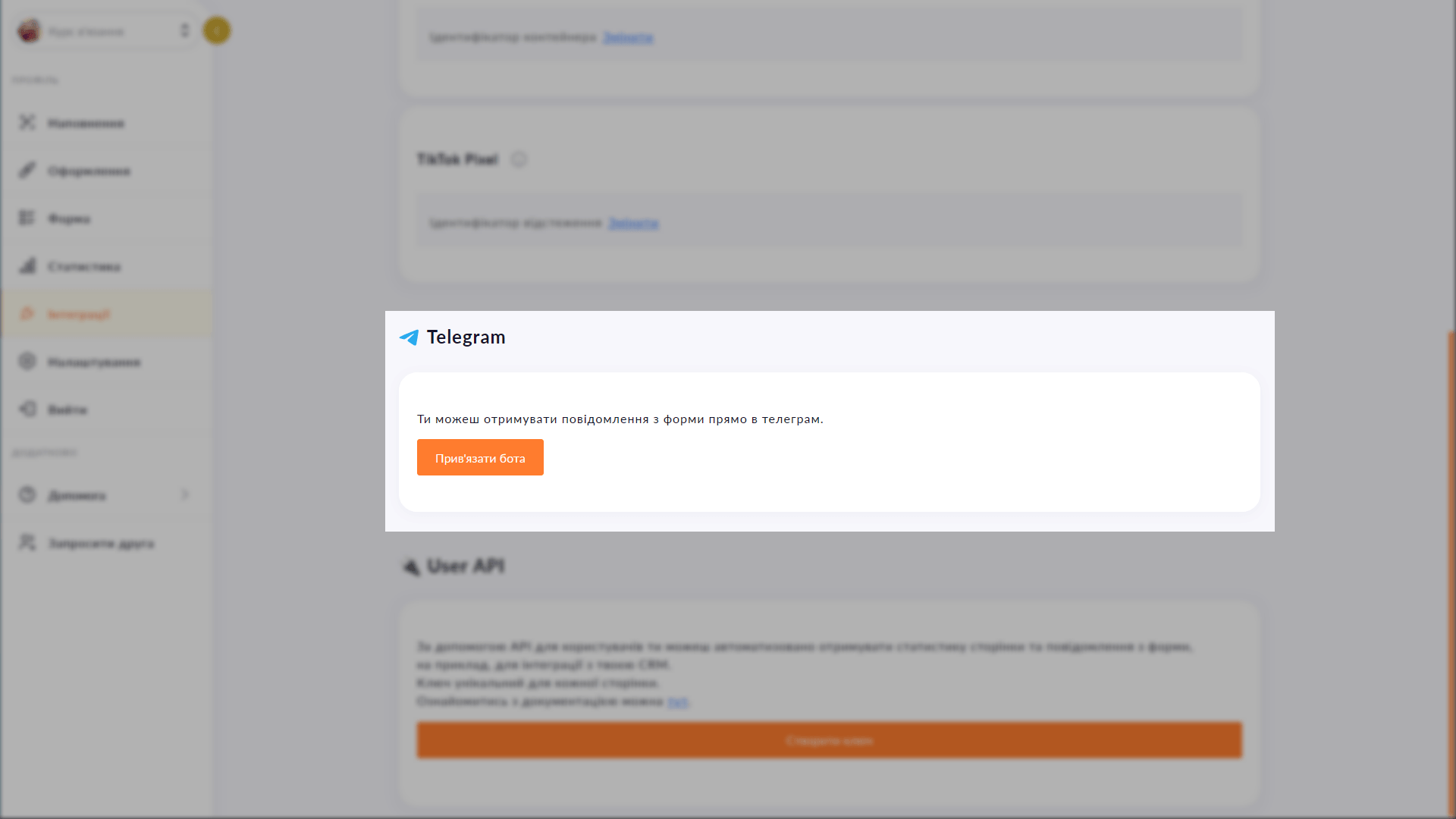
Connect your Telegram chat or group to your Choko page form. Every new submission arrives instantly — reply while the lead is still hot.
Connect your Telegram chat or group to your Choko page form. Every new submission arrives instantly — reply while the lead is still hot.
After a form is submitted, the lead lands in your Choko.Link dashboard — but you don't check it every hour. Telegram integration fixes that: every new submission arrives as a message in your chat or group. You see the client's name, phone and message immediately — and can reply within a minute while the lead is still warm.
Start for free, upgrade whenever you need more.
Create a page for freeSign up in 30 seconds • No card needed
Embed your Choko page on your website as a floating button. A click opens a frame with your links right on the site page.
Automatically send Choko.Link form submissions to KeepinCRM, KeyCRM or SalesDrive. Feature planned for the Pro plan.
Embed a Calendly booking form directly on your Choko page. Clients pick a slot without leaving your bio — no back-and-forth, no DMs.
Connect Google Tag Manager to your Choko page via a GTM container. Manage all tags and pixels from one place without touching code.
Connect TikTok Pixel to your Choko page. Send views and clicks directly to TikTok Ads Manager via a simple Pixel ID.
Choose a short subdomain for your Choko page: username.chkl.ink, username.otut.link or username.osyo.link. Available on Plus.