Video and music — right in your bio
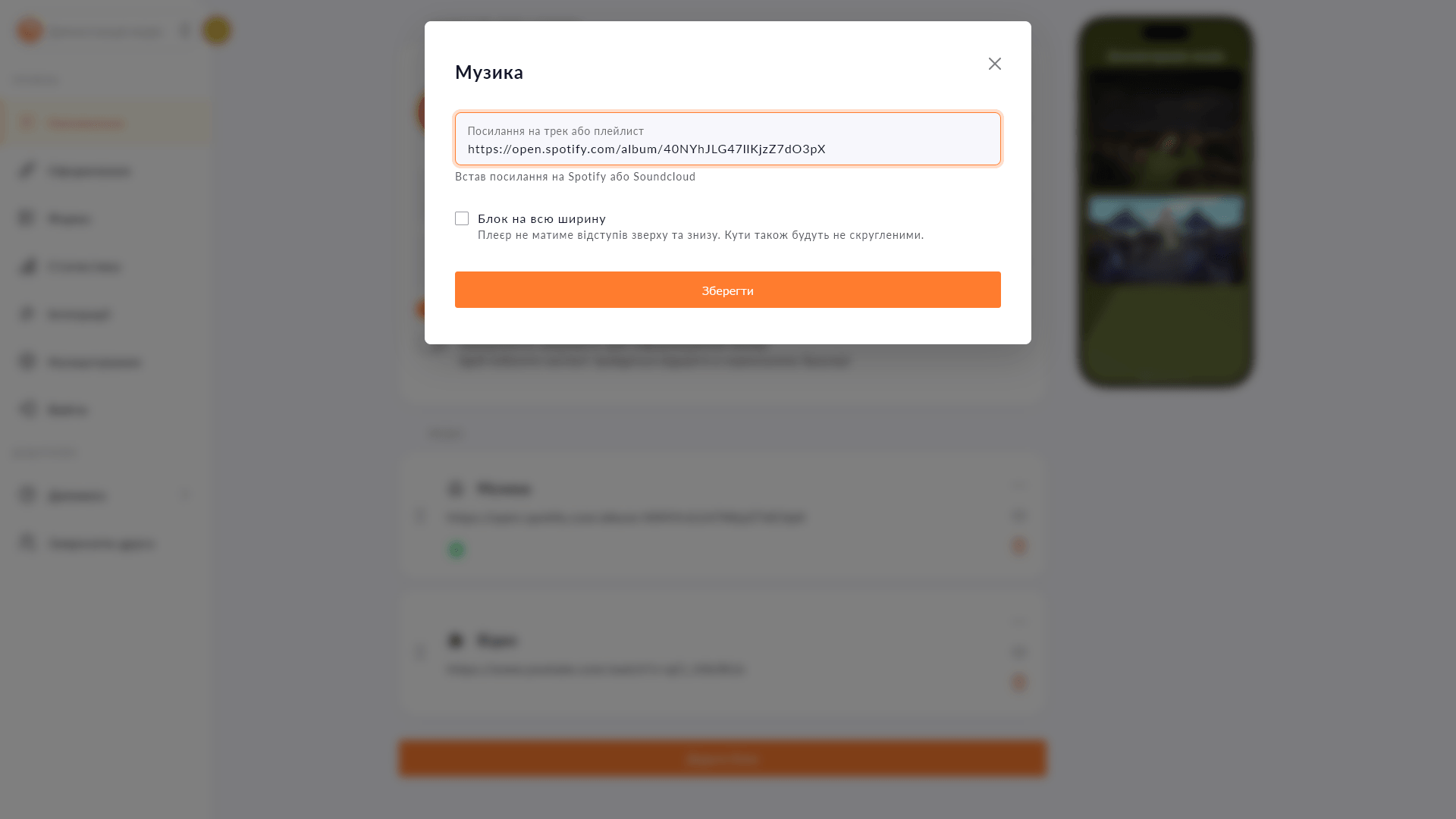
YouTube, Vimeo, Twitch, Spotify, SoundCloud — embed media with one link. Followers listen and watch without ever leaving your page.
YouTube, Vimeo, Twitch, Spotify, SoundCloud — embed media with one link. Followers listen and watch without ever leaving your page.
A link to a video or track is fine, but the visitor still has to open it, wait for it to load and then get distracted by other things. An embedded player keeps people on your page: they hit play and that's it. Choko.Link supports five popular services — YouTube, Vimeo, Twitch, Spotify and SoundCloud — and all you need to connect them is a link.
Start for free, upgrade whenever you need more.
Create a page for freeSign up in 30 seconds • No card needed
Create eye-catching buttons with links on your Choko page. Icons, colors, animation — everything in one place.
Display the current electricity status via Svitlobot right on your Choko page. Useful for salons, cafes and businesses during outages.
Add text with a heading, custom color and icon directly to your Choko page. Alignment, font size — all under your control.
Add a Monobank MonoJar to your Choko page: heading, photo and amount raised — all in one block. Donors see progress without going to the app.
Add spacing, a line, dots or a wave between blocks on your Choko page. Structures content without adding visual noise.
Add a Donatello block to your Choko page: heading, photo and amount raised. Perfect for streamers who use Donatello for donations.