Your photo as the page background

Set your own image instead of a gradient — and the page becomes an extension of your visual style.

Plus Free

A gradient background is a great start, but your own photo makes the page truly unique. A landscape, a studio shot, a texture or a branded pattern — the background sets the mood before a visitor reads a single word. This feature is available on the Plus plan.
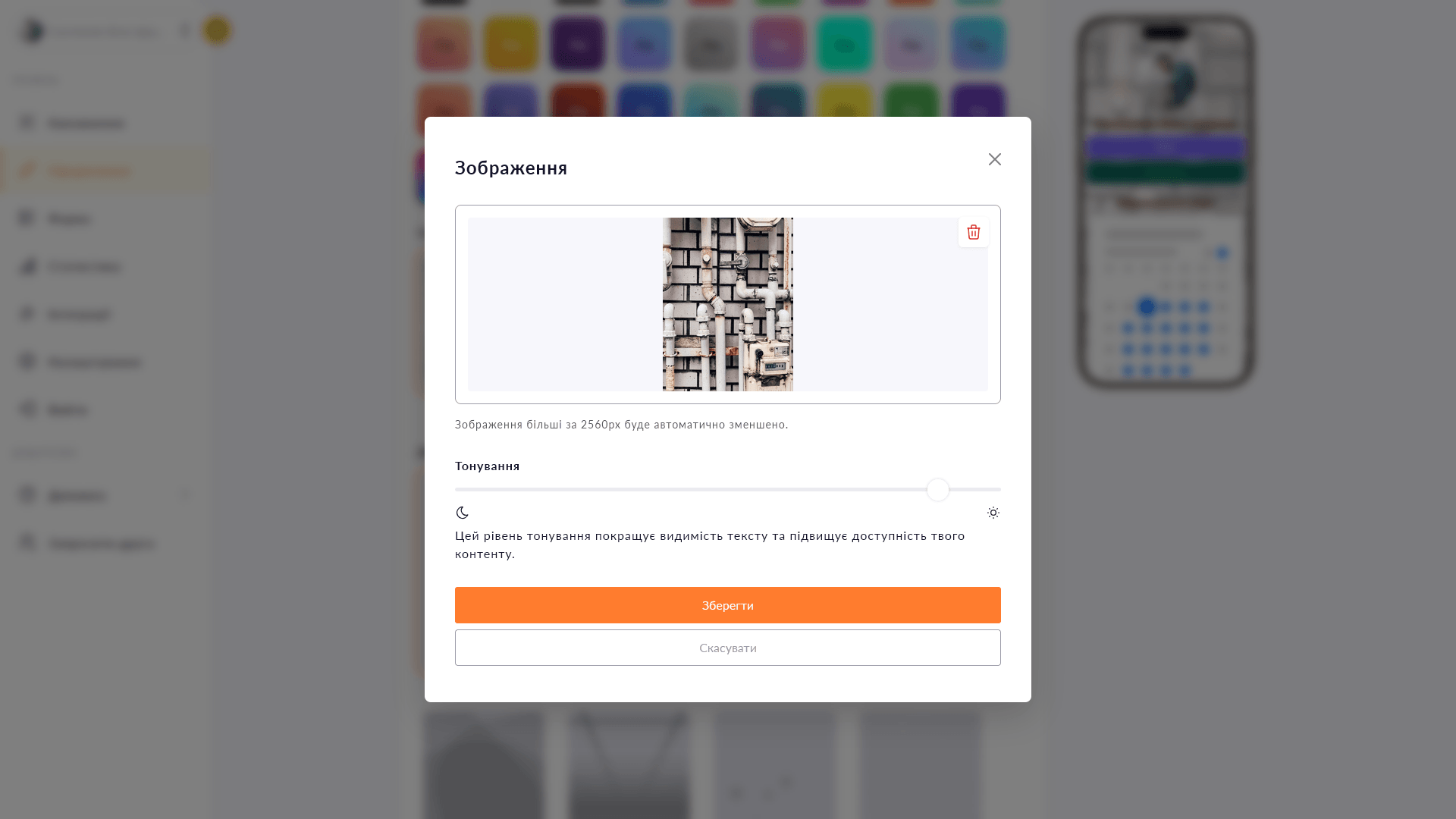
Background image settings in Choko.Link — the leading link-in-bio service for personalization
Background image settings in Choko.Link

What the background image feature does

  1. Your own photo
    Upload any image — it fills the entire page background.
  2. Blend with a gradient
    Combine the photo with a color layer for better text readability.
  3. Responsive display
    The image scales and centers itself for any screen automatically.
  4. Quick swap
    Upload a new image at any time — the change takes effect immediately.
  5. Compatible with animation
    An animated background can be layered on top of the image for an extra effect.
  6. Unique look
    Your page looks different from typical bios — memorable at first glance.

How to set a background image

  1. 1. Make sure you have an active Plus plan.
  2. 2. Open the editor → go to 'Design' → 'Background'.
  3. 3. Upload an image from your device and adjust the overlay tint if needed.
  4. 4. Save — the photo becomes the page background immediately.

Who it's for

Try Plus — and unlock this feature

Start for free, upgrade whenever you need more.

Create a page for free

Sign up in 30 seconds • No card needed

Questions & Answers

Available on the Plus plan. JPG, PNG, WebP and GIF. A minimum width of 1200 px is recommended for sharp display on high-resolution screens. Yes. A color gradient sits at the bottom, the image goes on top of it. If the image has transparency, the background shows through. If an animated background is enabled, it layers on top of the image.

You might also like

Background video

Add a YouTube or Vimeo video as the background of your Choko page. A living visual style for your brand, music, venue or portfolio — available on Plus.

Animated background

Add a dynamic background to your Choko page: waves, rays, bubbles, squares, Tron or grain. A live effect with no code.

Page fonts

Pick a font for your Choko page heading and body text from a selection of 10+ typefaces. Typography that matches your style.

Button styles

Customize buttons on your Choko page: solid fill or outline, corner radius, shadow and colors. Each button individually.

Hero avatar

The hero avatar spans the full container width on your Choko page and blends smoothly into the background. A striking first impression for your bio.

TikTok Pixel

Connect TikTok Pixel to your Choko page. Send views and clicks directly to TikTok Ads Manager via a simple Pixel ID.