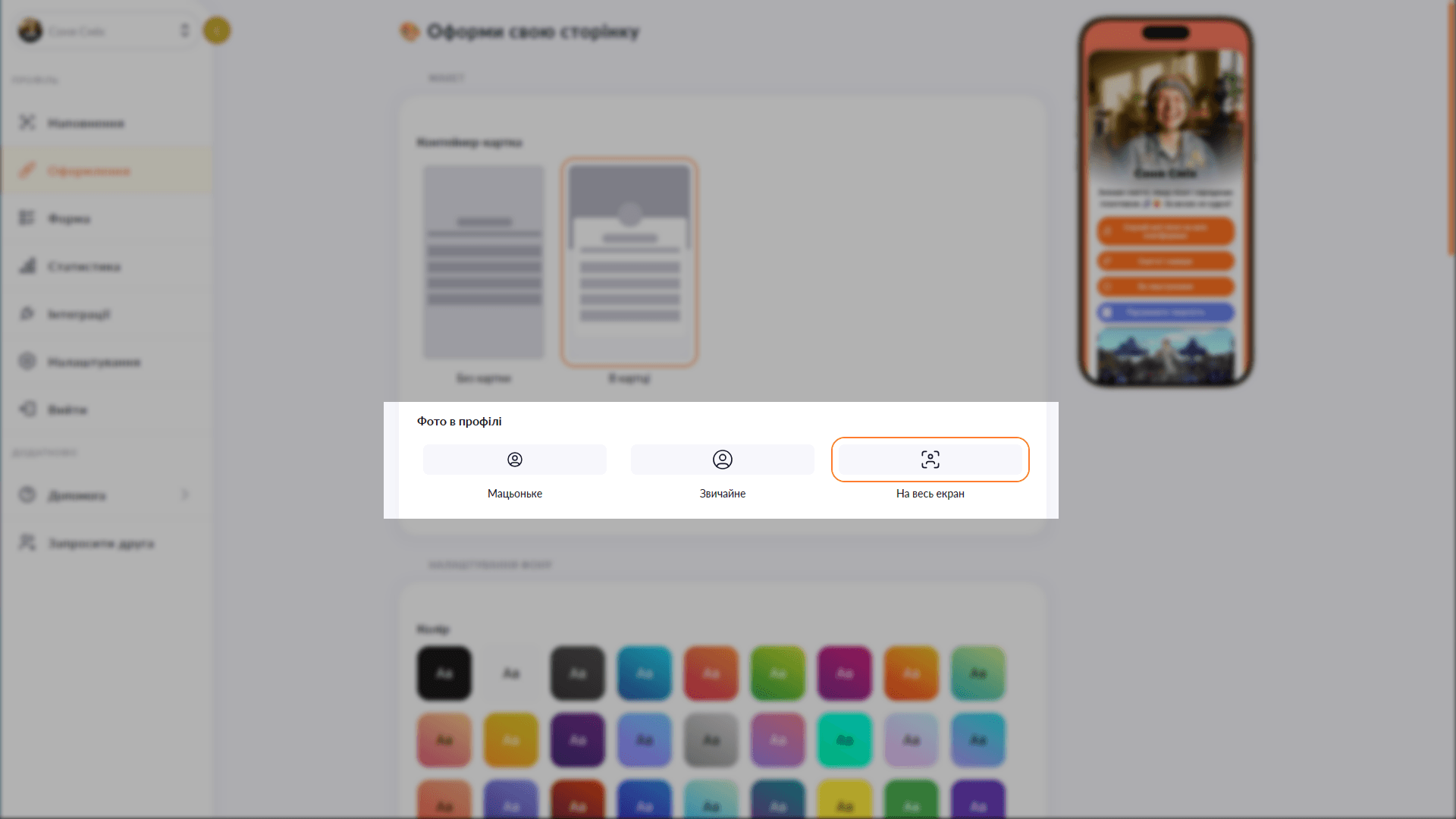
An avatar that fills the entire top of the screen
Hero mode stretches your profile photo across the full container width and fades it into the background color — striking, without being cliché.

Hero mode stretches your profile photo across the full container width and fades it into the background color — striking, without being cliché.
The hero avatar fills the entire top section of the page — a full-width profile photo that dissolves smoothly into the background color. The transition is generated automatically to match your chosen background color, so it looks like a single whole rather than a pasted-on image. Available on the Plus plan.
Start for free, upgrade whenever you need more.
Create a page for freeSign up in 30 seconds • No card needed
Set your own photo as the background of your Choko page. A unique look that expresses your brand — available on the Plus plan.
Add a YouTube or Vimeo video as the background of your Choko page. A living visual style for your brand, music, venue or portfolio — available on Plus.
Add a dynamic background to your Choko page: waves, rays, bubbles, squares, Tron or grain. A live effect with no code.
Pick a font for your Choko page heading and body text from a selection of 10+ typefaces. Typography that matches your style.
Customize buttons on your Choko page: solid fill or outline, corner radius, shadow and colors. Each button individually.
A popup for visitors arriving via Instagram and TikTok in-app browsers. Explains how to open the page in a system browser — so clicks and forms work properly.